Nearby requests
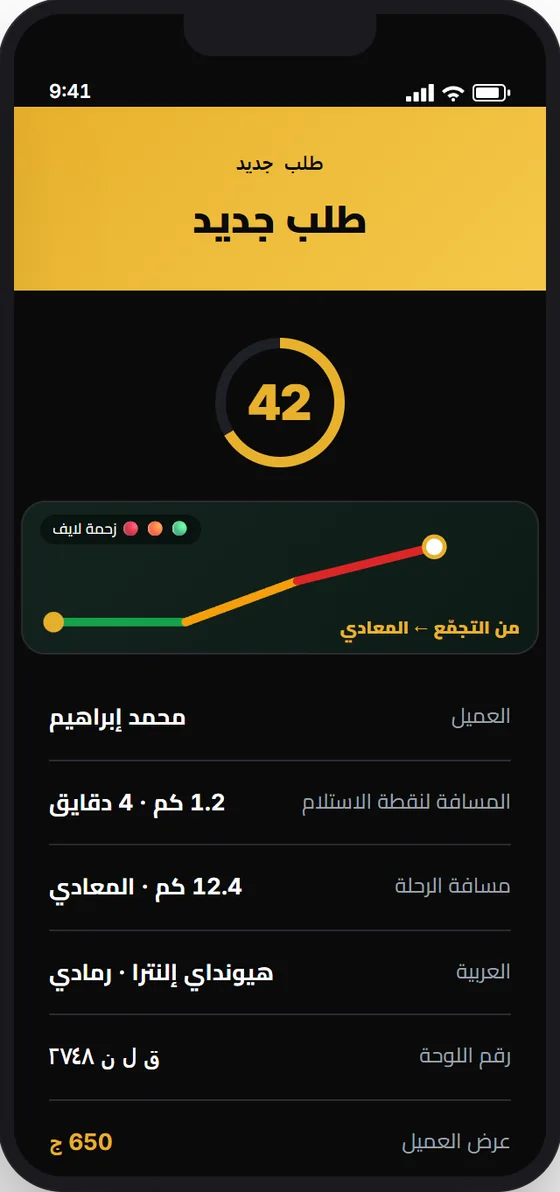
Requests reach you with details: location, destination, and vehicle.
For captains
Receive nearby requests in the app, make your offer, and work with clarity at every step.
Why inWinch
Requests reach you with details: location, destination, and vehicle.
See the customer's offer and propose the price that suits you.
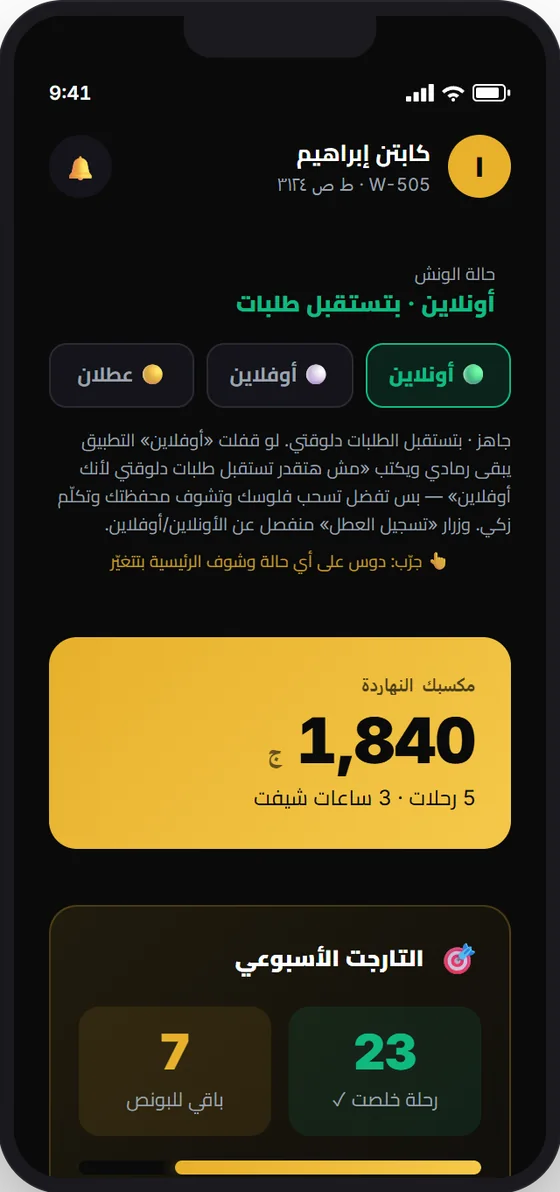
Your earnings, commission, and withdrawal requests in the app.
Share your code so customers can request you directly.
Photos before loading are your evidence in any dispute.
In-app support, and an SOS button in an emergency.
You see the customer's offer, and propose the price you see fit.
Ways of working
You work for yourself, on your truck or one you're authorized on, with the right to negotiate, accept, or decline.
You work on a company truck, with permissions set by fleet management.
The request
The distance, destination, vehicle, and customer's offer are in view, with time to decide.
How to join
Get the captain app and register with your number.
Your ID, driving licence, and personal photo.
Your truck's details, or join an existing fleet.
May take 24 to 48 working hours.
Scan your truck's plate and start receiving requests.
Documents
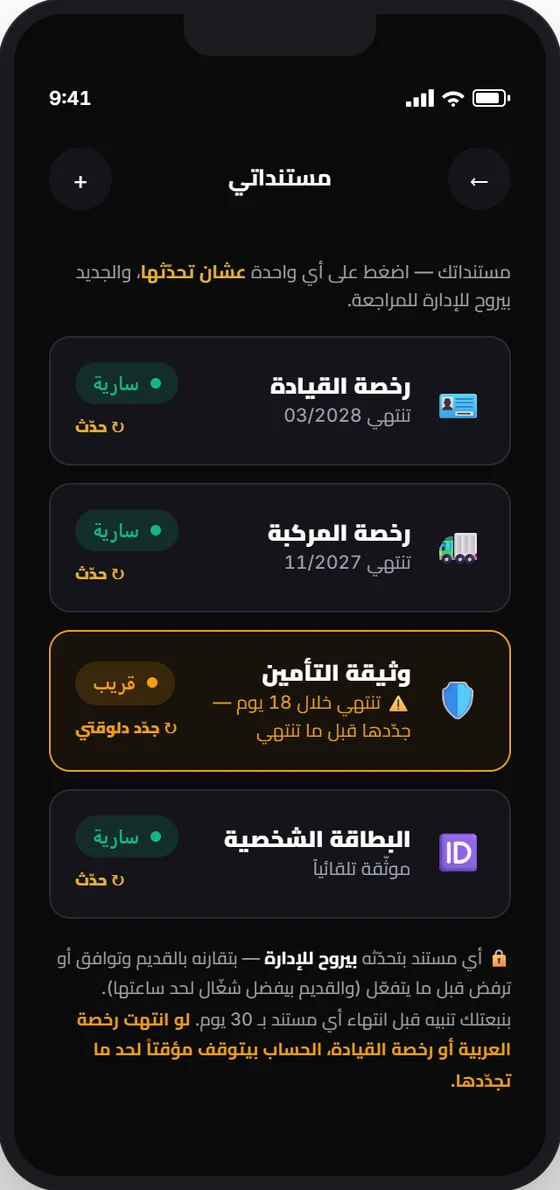
See each document's status and expiry date, and renew before it ends so your work doesn't stop.
Documentation
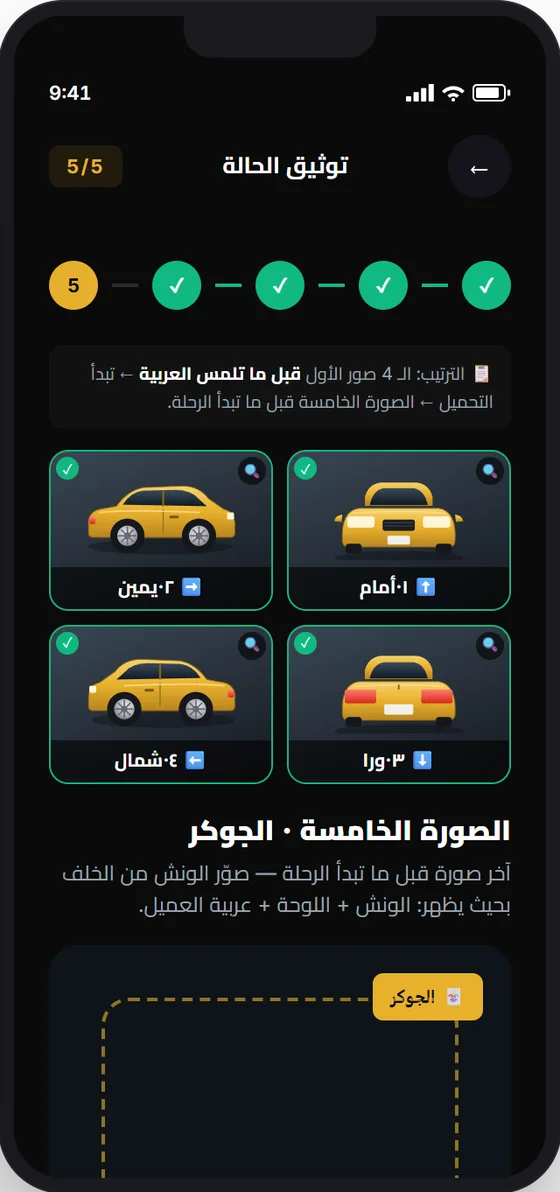
Before loading, you photograph the car from all four sides, then a photo of the truck with the car. If there's a dispute, the evidence is there.
Your money
Every transaction recorded in view.
Calculated on the actual agreed price.
Insurance trips carry a fixed price with no commission.
A bonus and incentive system with terms shown in the app.
Direct requests from your customers with your code.
Your trip document ready if you're asked for it.
The captain app
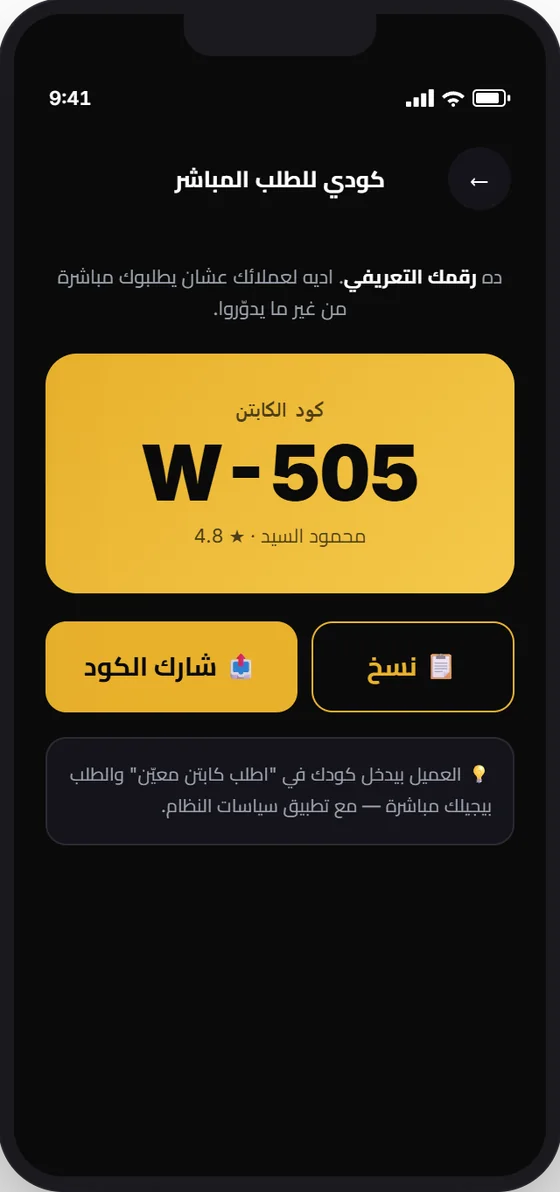
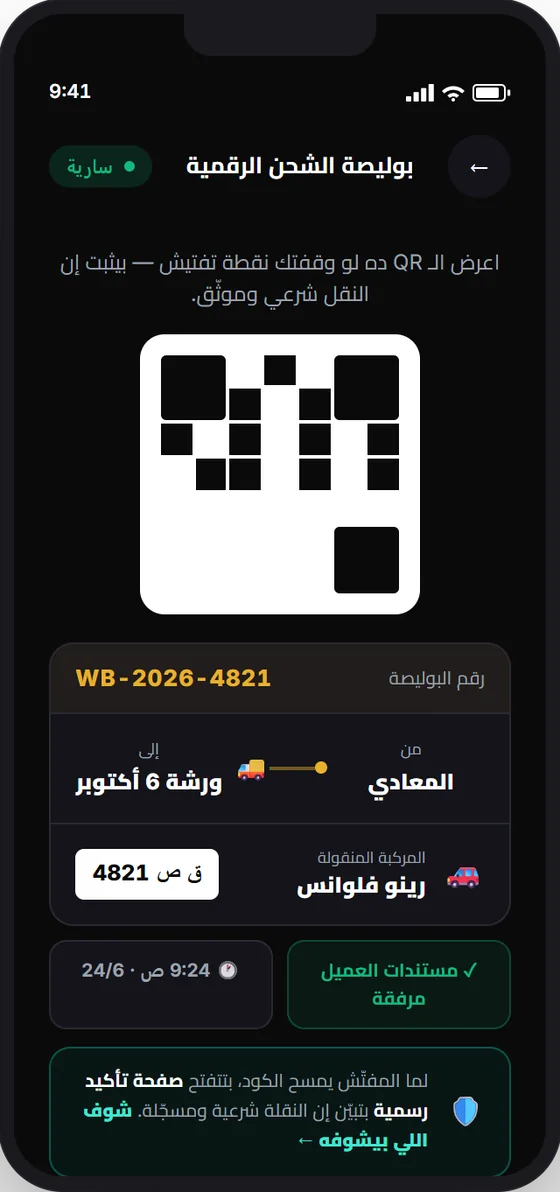
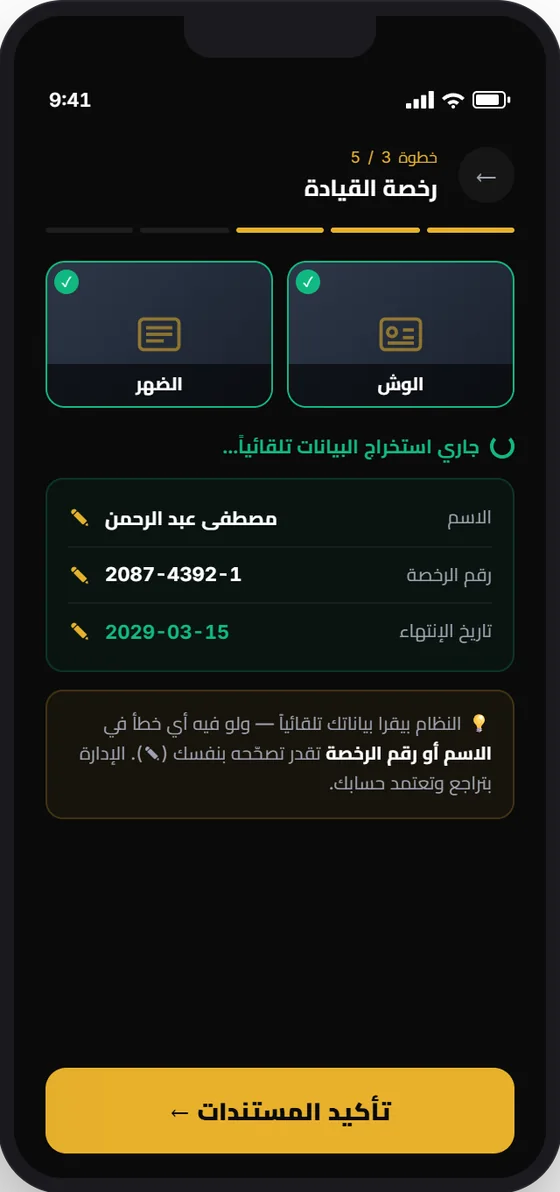
Illustrative screens from the app design.
Questions
Get the captain app, register, and upload the required documents and truck details. Account review may take 24 to 48 working hours.
Register as an owner and add your trucks and drivers in the app. If you are a fleet company, contact us.
Your ID, driving licence, personal photo, and truck details. The full list appears in the app.
Yes, after the truck's owner approves your entry.
Contact us, and we'll tell you how to start.