Truck owner
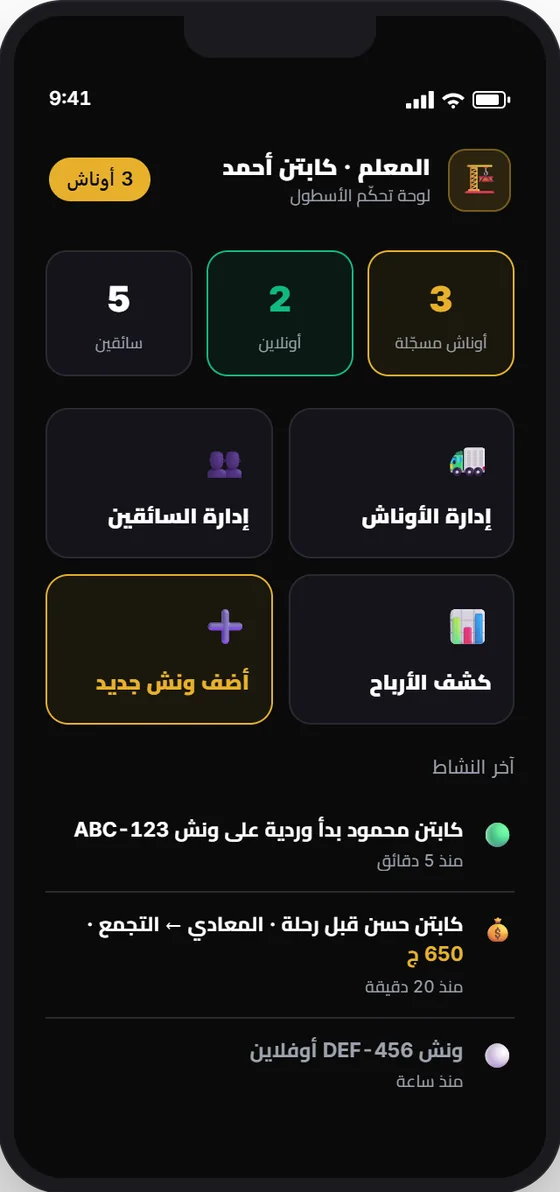
You manage your trucks and drivers from the app on your phone.
For owners and fleets
You don't need to be next to every truck to know what's happening.
Who you are
You manage your trucks and drivers from the app on your phone.
A dashboard for managing your fleet, custody, and reports.
Drivers
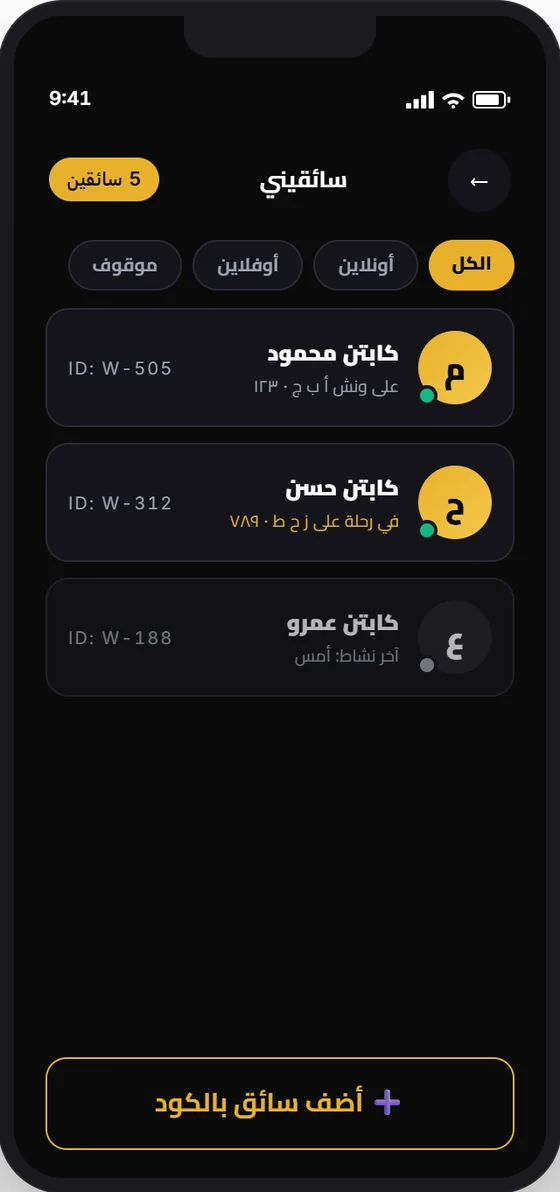
Add your drivers by code, and see who's online, who's on a trip, and on which truck.
Trucks
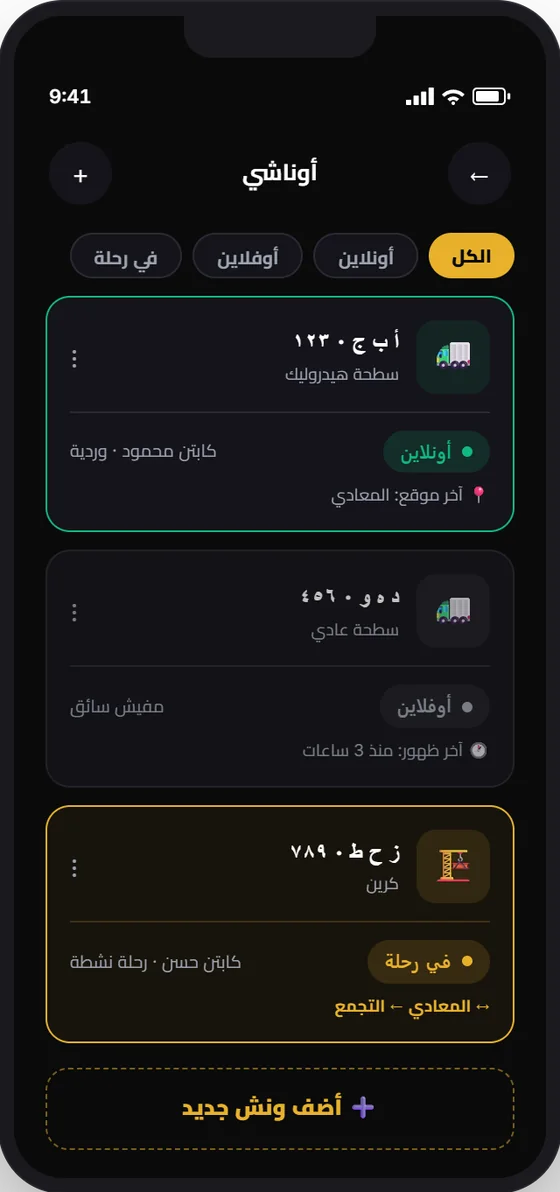
See each truck's status, assign each to a driver, and add a new truck from the app.
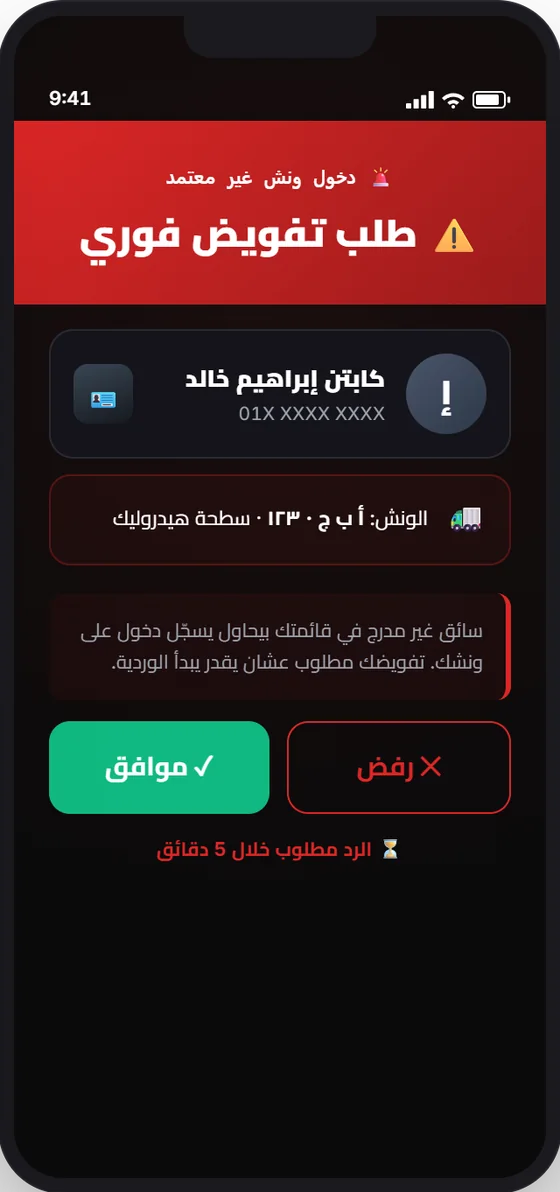
Any driver's first entry on your truck needs your approval.
Entry approval
If a driver tries to open a shift on your truck, you get a request to approve or decline. The driver can't receive orders before you approve.
Monitoring
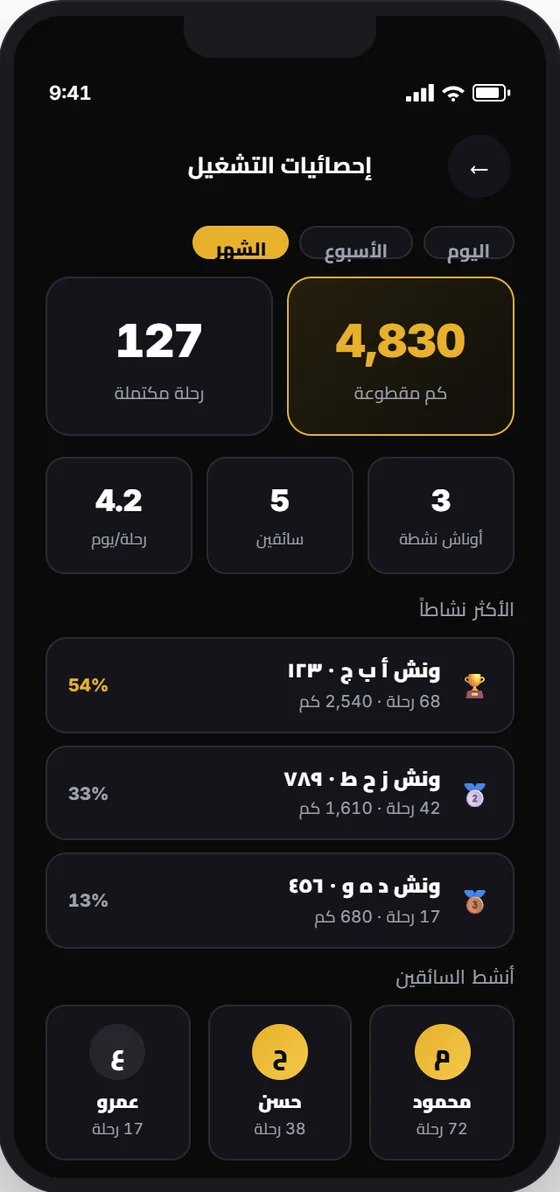
Trips, kilometres, and each truck's and driver's activity, by day, week, and month.
How to start
In the app, choose your account type.
Each truck's details, plate, and documents.
With the driver's code.
After review and approval.
Fleet companies
Trucks, drivers, and each one's permissions.
Follow driver custody on every shift.
Trip reports and fleet earnings.
A shift opens after verifying the captain and truck plate.
Questions
Register as an owner and add your trucks and drivers in the app. If you are a fleet company, contact us.
A first entry on an owner's truck needs the owner's approval.
It varies by fleet type and payment method. See the captain agreement for details.
Contact us, and we'll help you start.